

Blogs
3 Ways Private-Sector Audit Tools Don't Meet State, Local, and Education Needs
July 2, 2025
By: Stephanie Muxfeld, Vice President of Product Management at OPEXUS + Casepoint
A lot of audit management software on the market is designed for the private sector. That makes sense if you’re conducting Sarbanes-Oxley (SOX) compliance audits, but what about state, local, and education audits?
The public sector operates within a different set of priorities. If your system doesn’t adhere to Yellow Book standards, it can drastically impact efficiency and organization. Or even worse, you might risk being noncompliant due to out-of-date standards and processes.
Technology that’s actually built for government audits makes a huge difference.
3 Audit Challenges — And What Actually Works
Take a closer look at some of the most common pain points we hear from auditors in state, local, and education agencies.
1. Conducting Risk Assessments
This is the biggest issue. State, local, and education risk assessments are so much different than SOX ones that commercial software doesn’t provide for the flexibility that you need. You have to go to great lengths to make the assessment work in a tool that doesn’t conform to government audit processes.
As a result, the risk assessment is often informal or based on outdated criteria. The methodology may be manual, inconsistent, or siloed.
The Solution
Built-for-government audit software provides flexibility in risk assessments. With eCASE Audit, each entity is scored and ranked as high, medium, or low using weighted risk factors.
You can pre-save risk factors and automate the scoring while consolidating everything in one platform, making the process more efficient and consistent.
Automate Your Annual Audit Plan
With just a couple clicks, you can get a head start on your new fiscal year plan (FYP). When creating a new FYP, you will be notified if one was created for your institution in the previous year. If a FYP exists for the previous year, you will be able to view and import its risk assessment details into the new FYP. You can customize which details roll over and edit them as needed. 
2. Tracking Reports and Completed Recommendations
What kind of reporting do you need? How do you track recommendation completion?
These kinds of questions often reveal serious issues within tools built for SOX audits. A lot of case management tools aren’t configurable to an agency’s reporting needs. Many agencies don’t even have a way to confirm if recommendations are being implemented.
Lacking these critical features can slow down your workflow and lead to oversights and errors.
The Solution
Reports in eCASE Audit comply with Government Accountability Office (GAO) guidelines and are automated and customizable. Everything is embedded within the audit management software for speed and consistency.
There’s a recommendation tracking module built into eCASE Audit that’s especially powerful. You can close an audit and continue to track recommendations in a separate database, because it connects on the back end. The module streamlines key tasks.
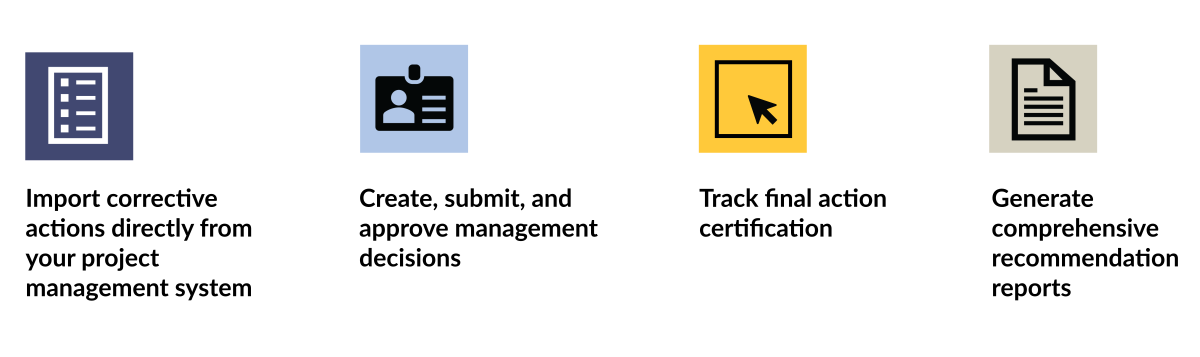
- Import corrective actions directly from your project-management system
- Create, submit, and approve management decisions
- Track final action certification
- Generate comprehensive recommendation reports
3. Logging Audit Hours and CPE Credits
Are you tracking these figures manually or in a separate system? Typically, audit hours and CPE credits need to be logged outside the audit system, creating unnecessary work.
The Solution
TimeXpress allows you to schedule, track, and report time taken to complete audit steps and projects within eCASE. It features several capabilities.

- Track billable and non-billable time
- Define organizational structure by customers, contracts, tasks, and subtasks
- Send email reminders for timesheet completion
- Generate reports for timesheets, contract hours, and expenditure details
- Export reports to Excel, Word, CSV, or HTML
There’s also built-in CPE tracking to keep credits and compliance in one place.
Commercial Software Isn’t Built for Your Needs
The day-to-day impact on your efficiency and ability to stay organized is draining. The potential for noncompliance carries a great deal of risk.
You shouldn’t have to “make it work.” Your audit tool should consolidate and automate functions like risk assessment, reporting, recommendations, and audit/CPE figures — all in a single and accessible software tool.